
Makita DRT50 Compact Router Dust Port Size and Shop Vac Adapter
Dust port
We fit it Round port, friction
Our adapter is made for the Makita DRT50 port. It presses on by hand and holds, so there is nothing to clamp or tape.
Get the adapter for this tool. Printed and shipped from $12.99.
- Made in the USAPrinted to order
- PETGTougher than PLA
- Push onNo clamps, no tape
- Print defectWe reprint it
Makita 18V LXT Cordless Compact Router
Specifications
Connect your Makita DRT50 to your shop vac
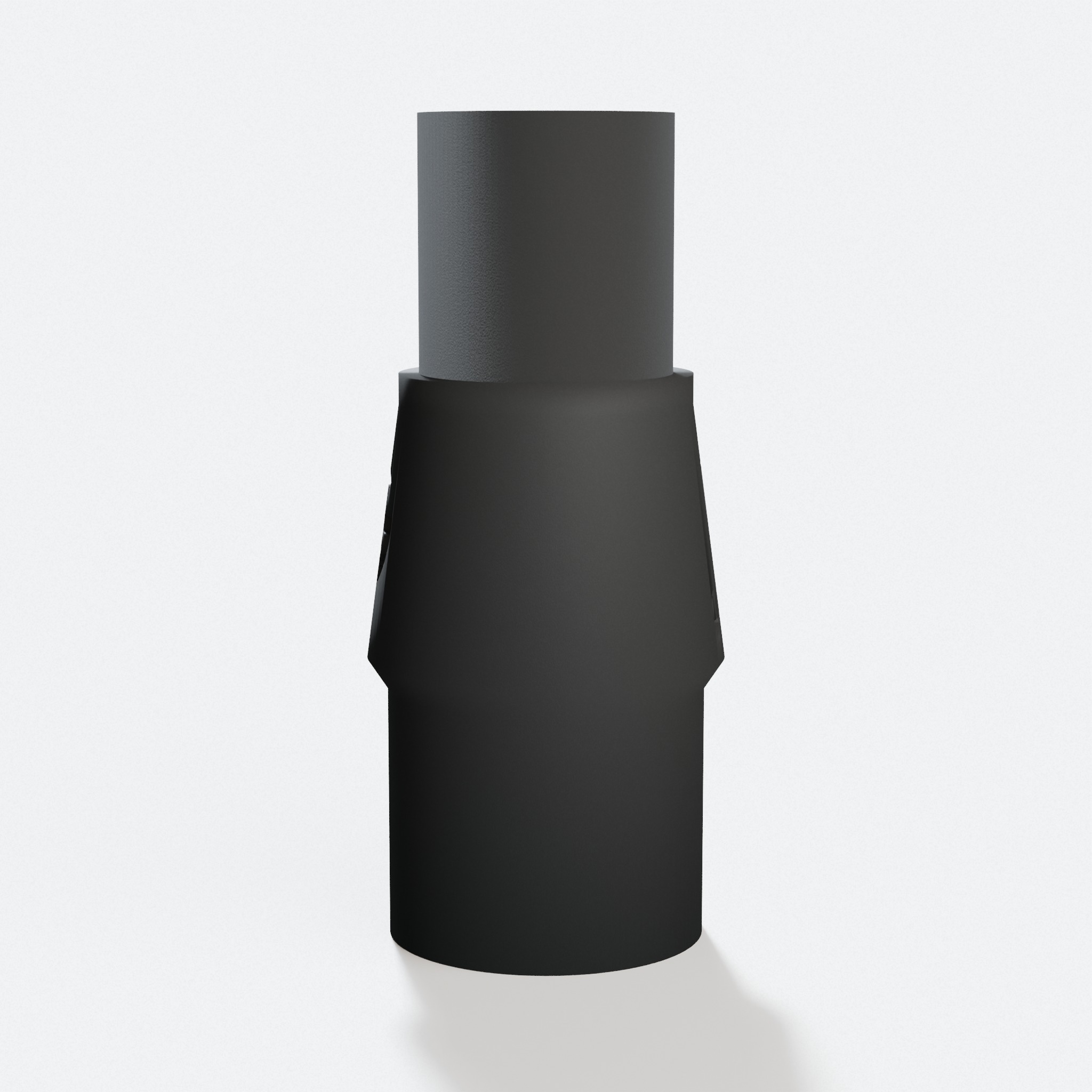
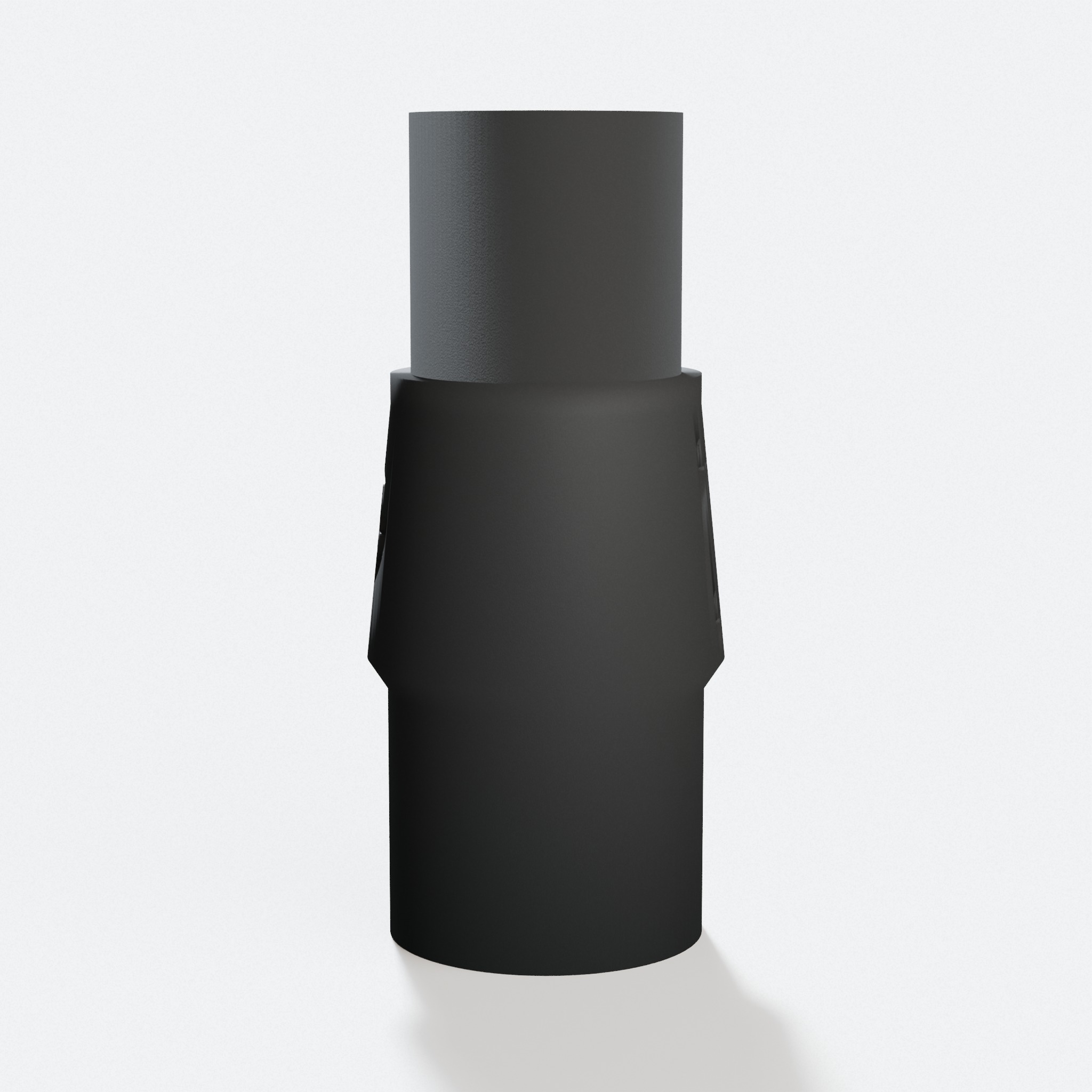
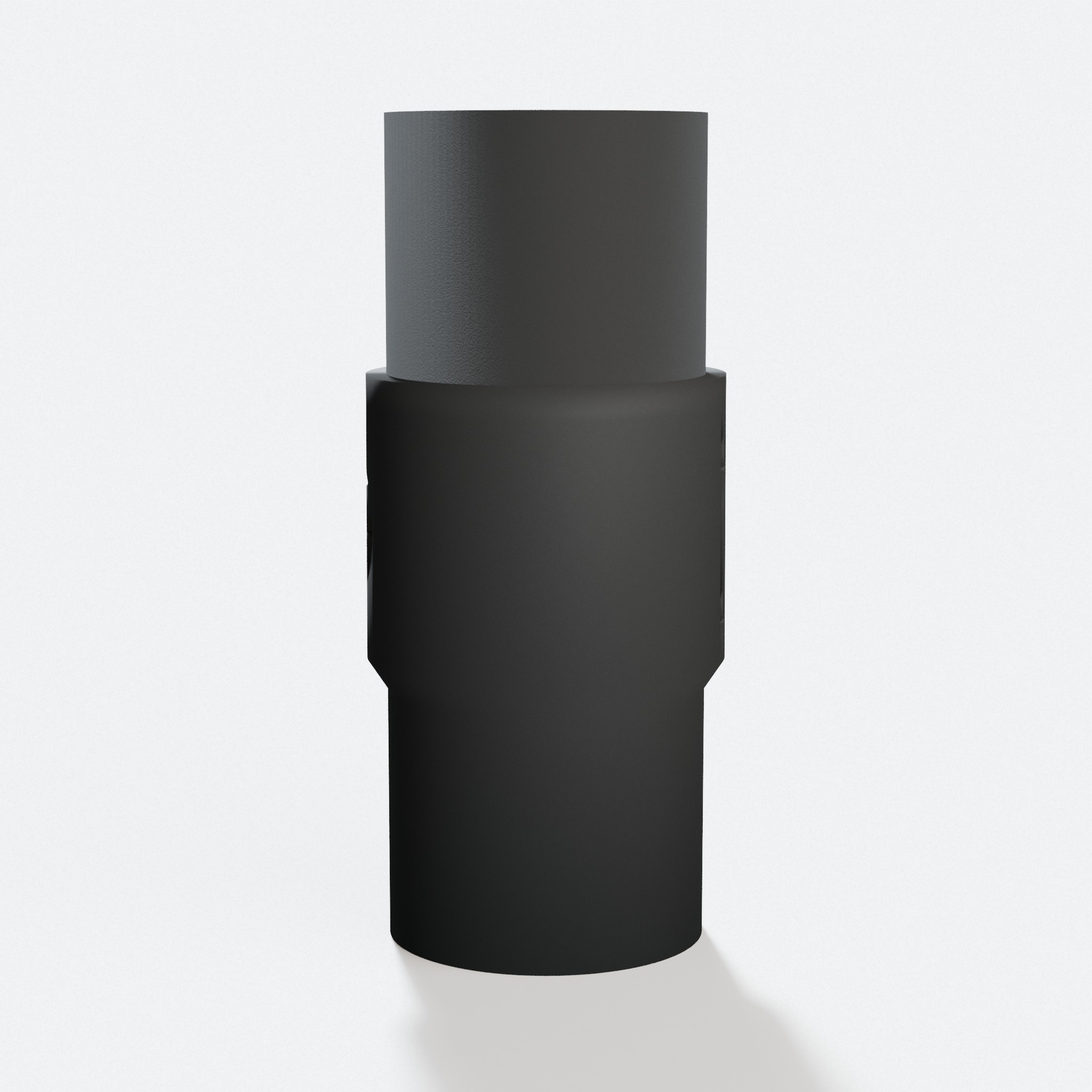
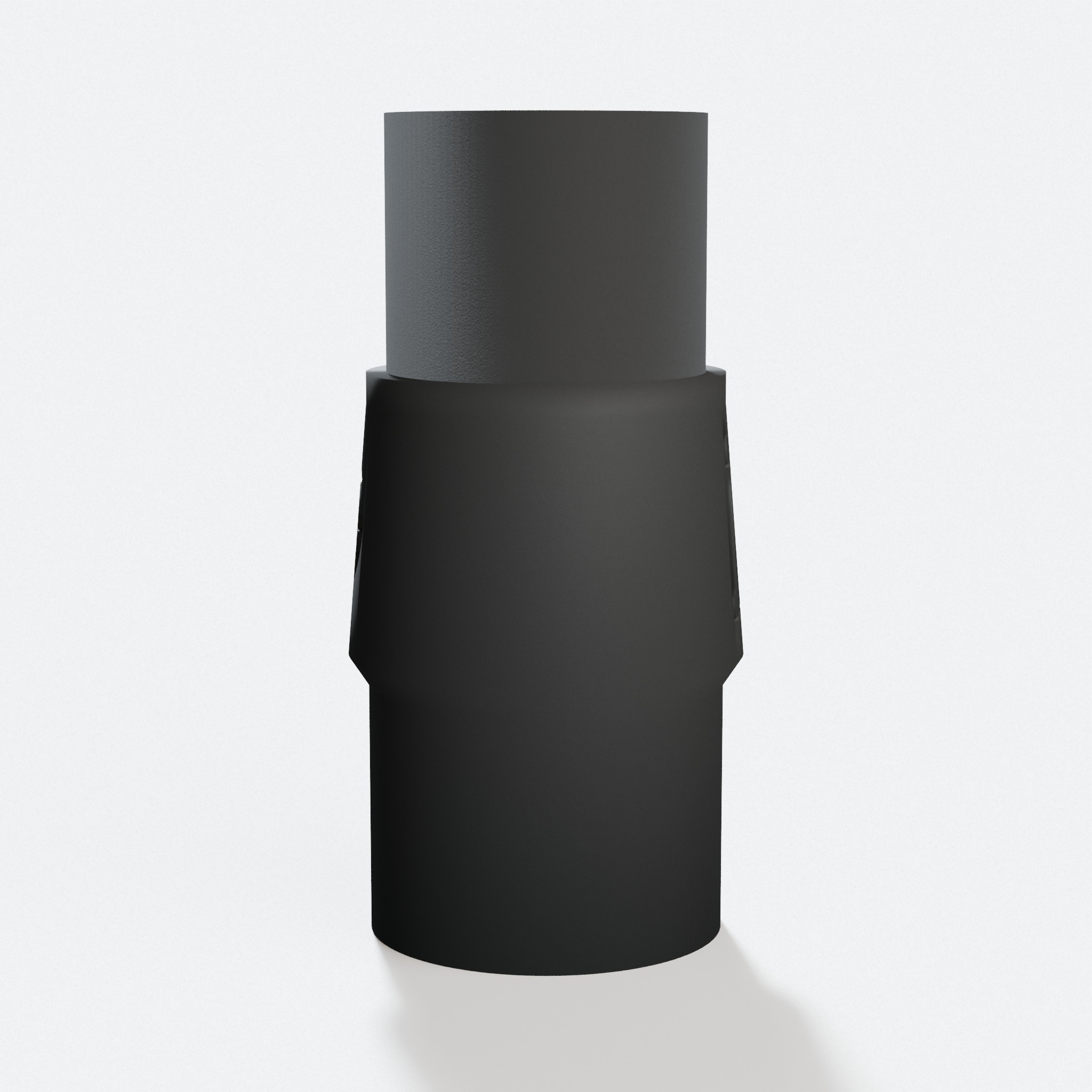
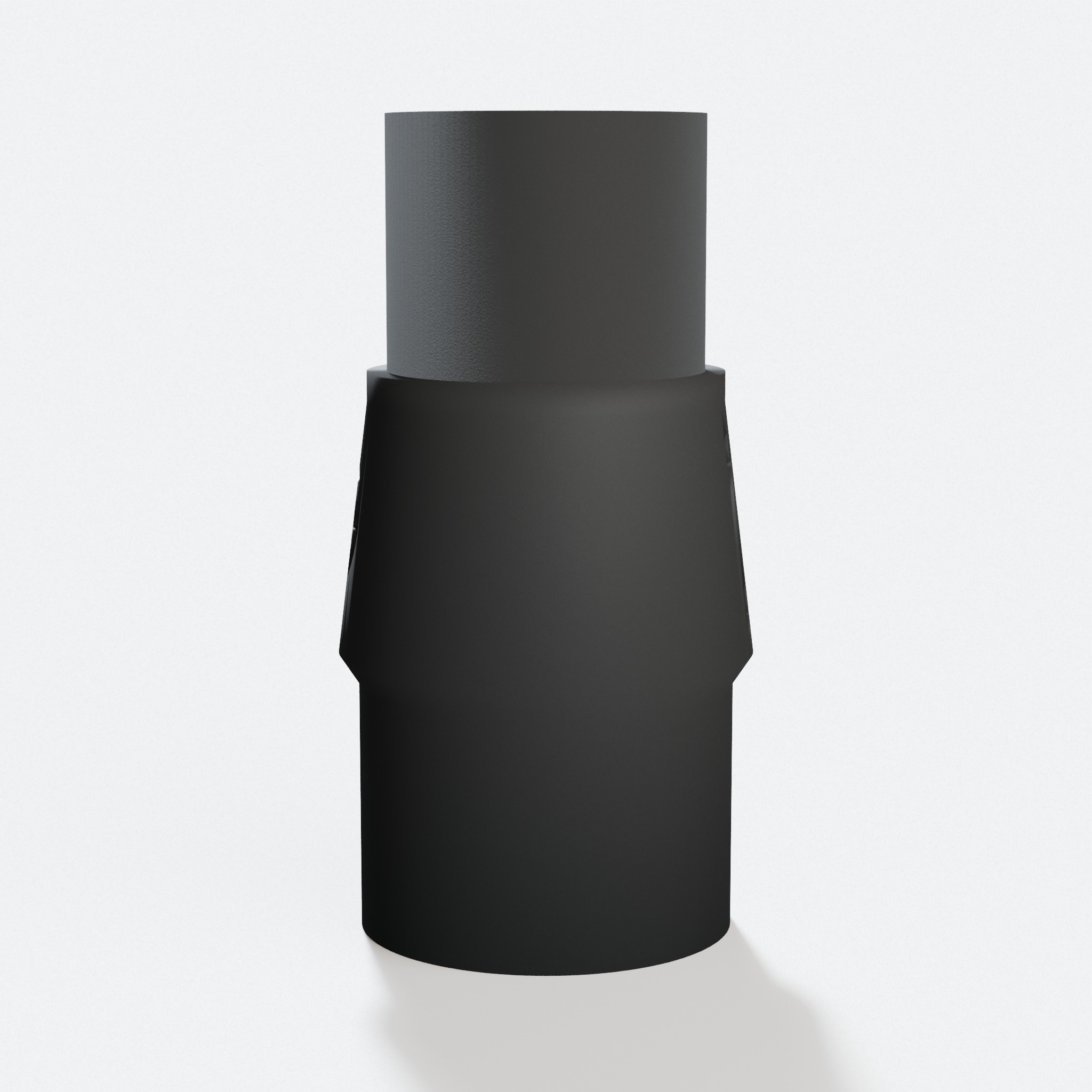
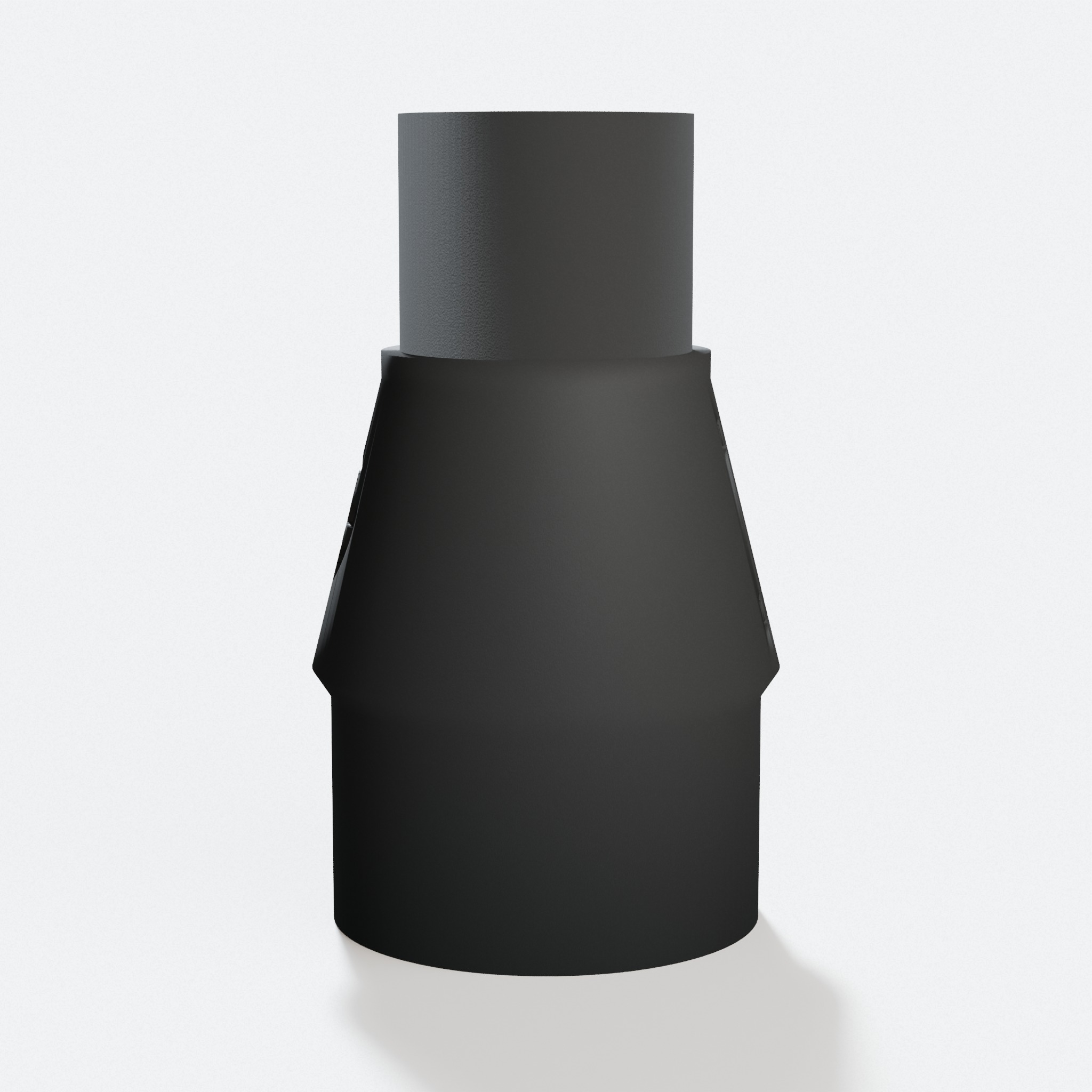
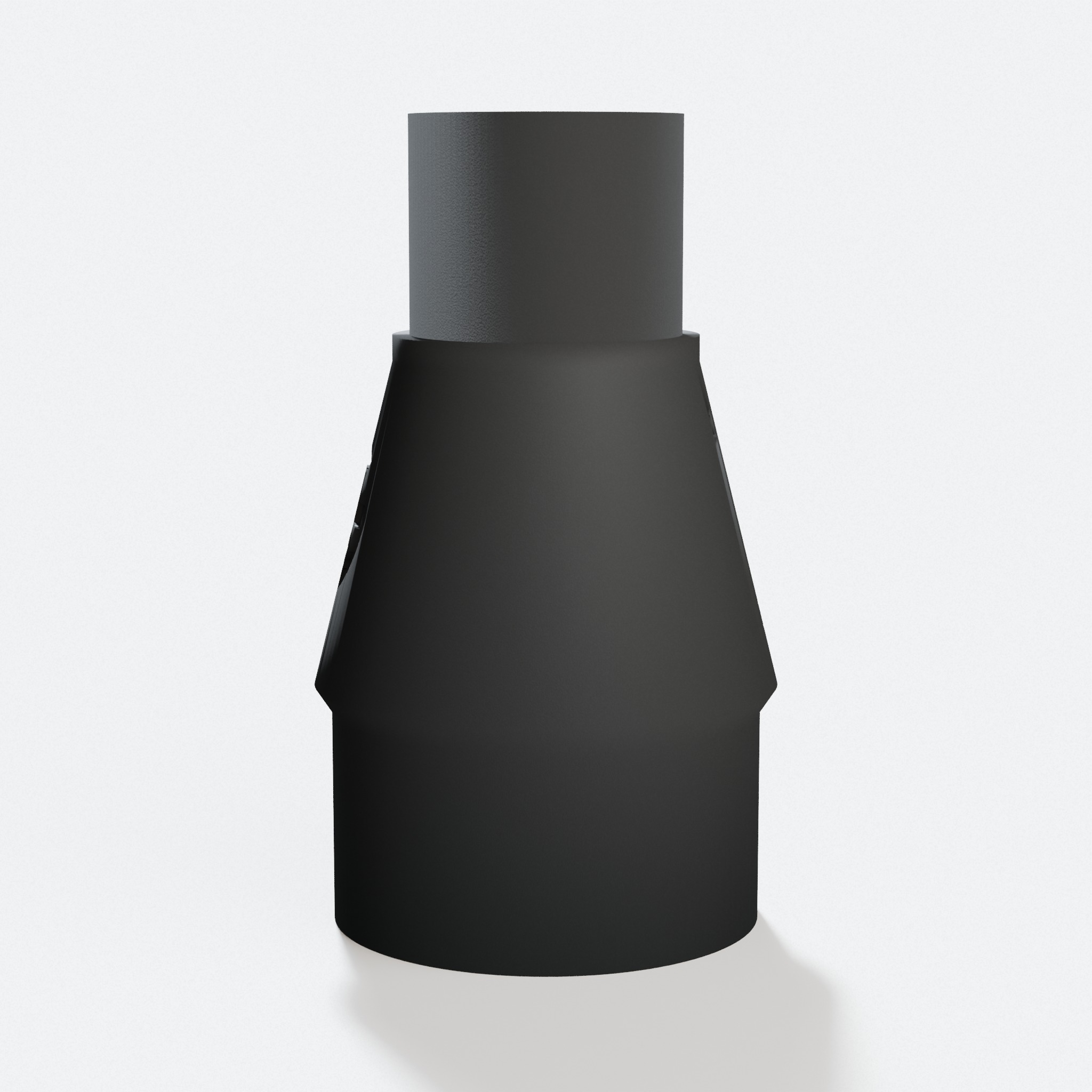
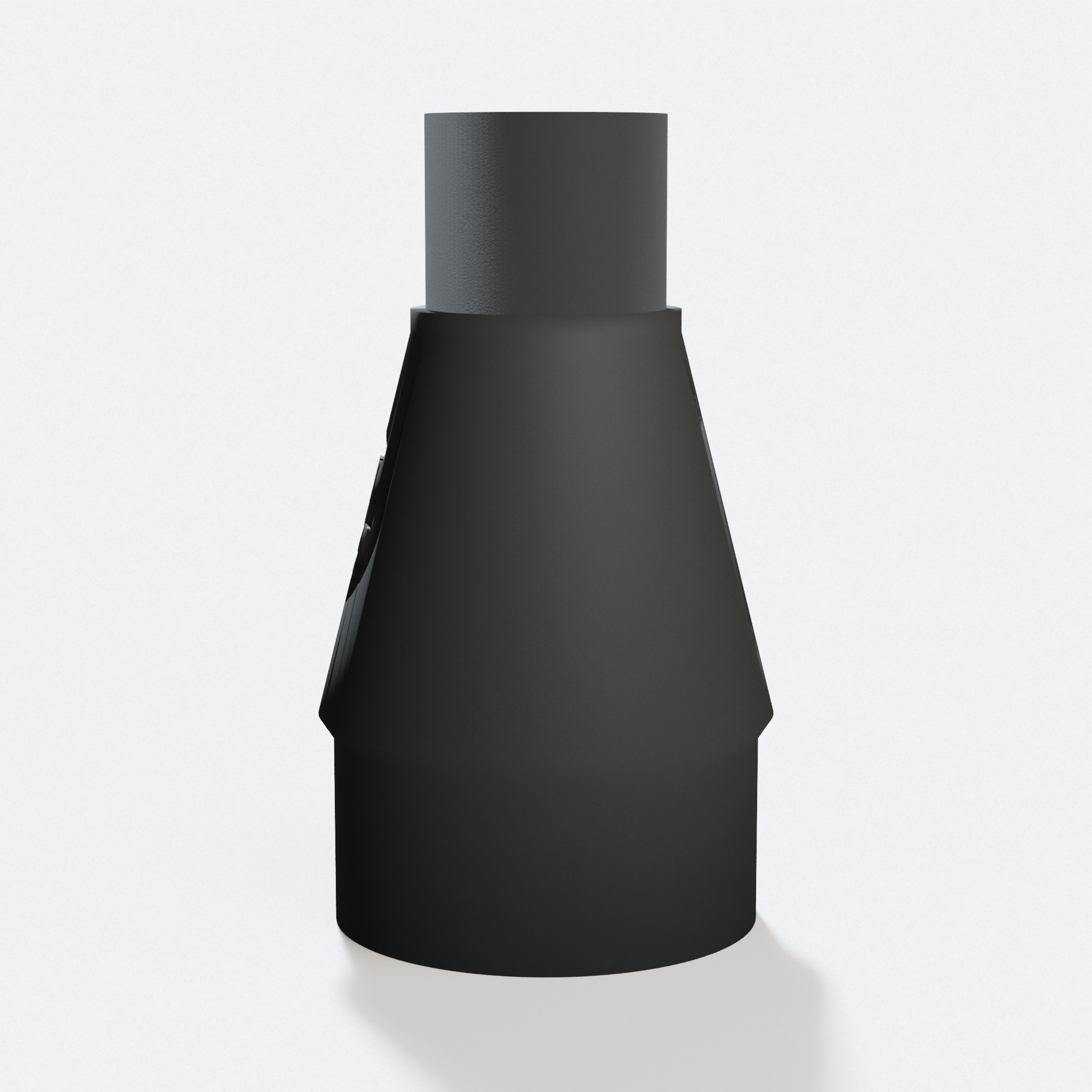
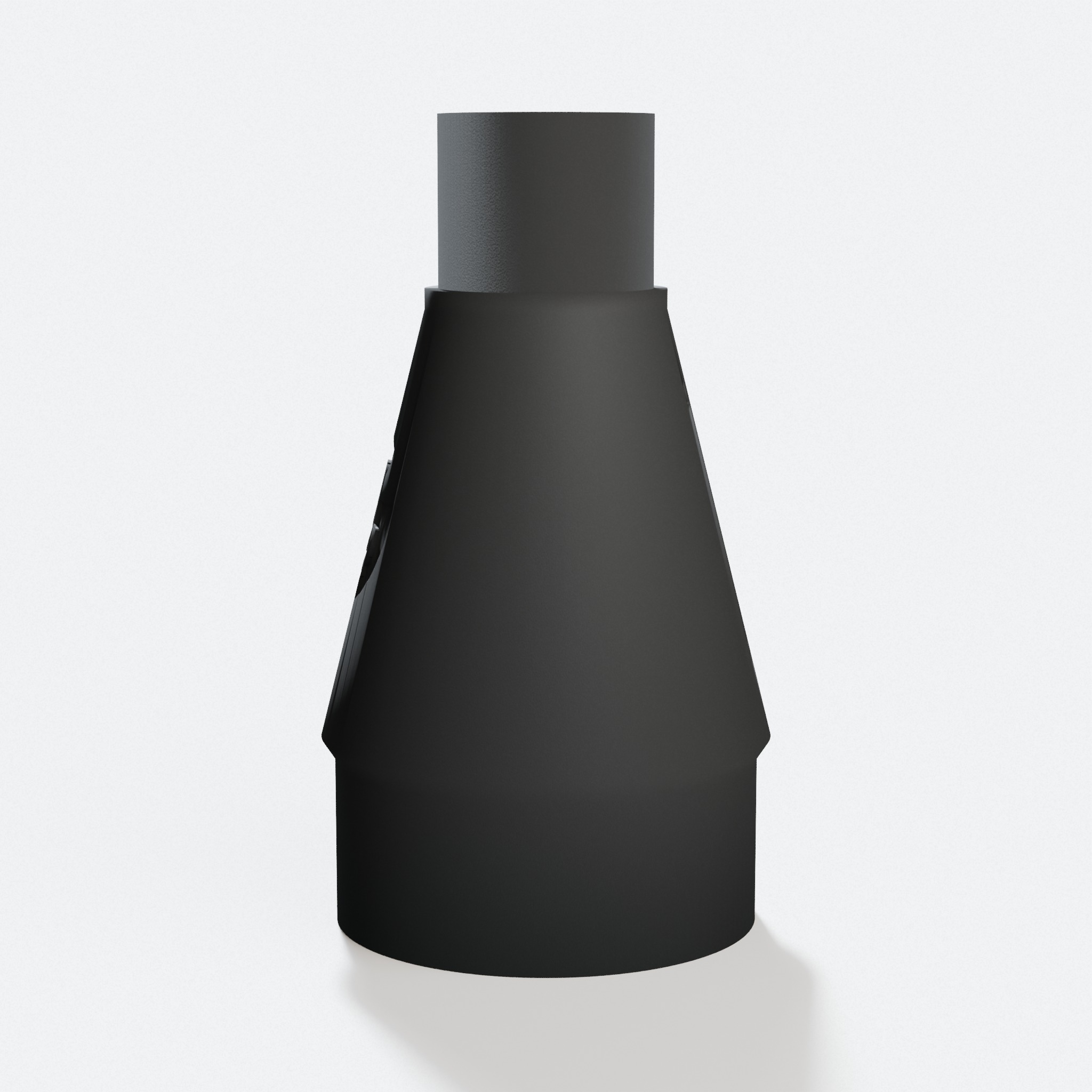
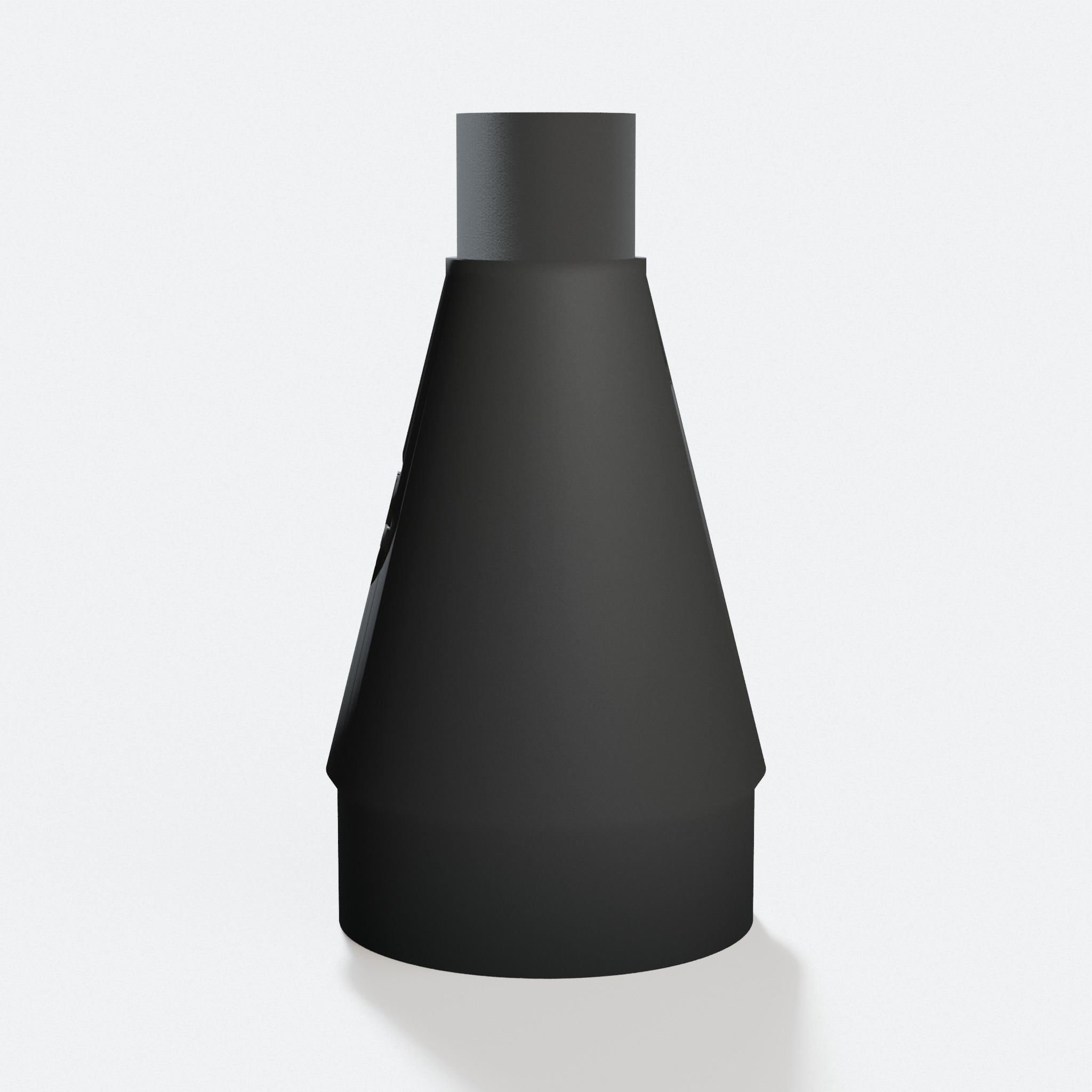
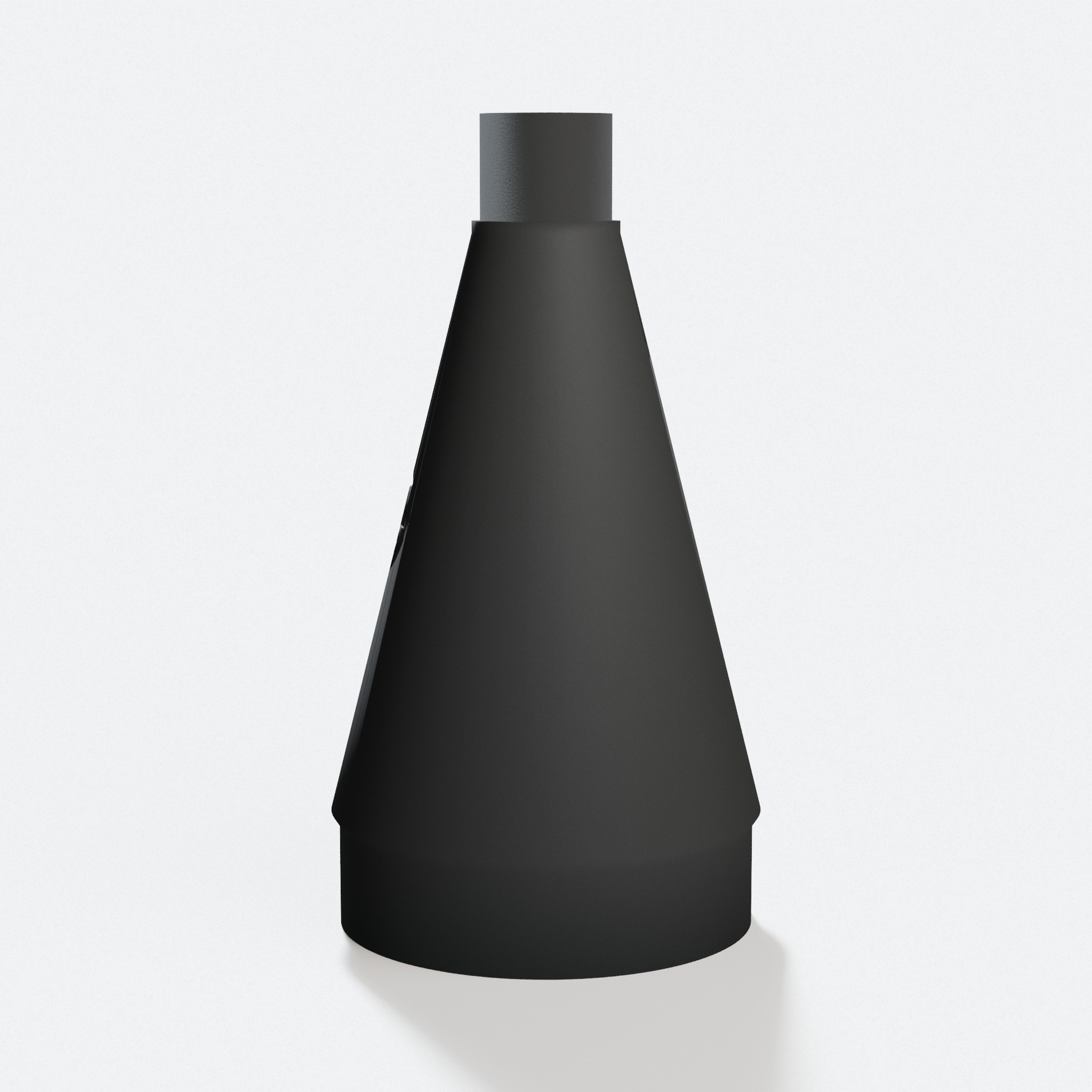
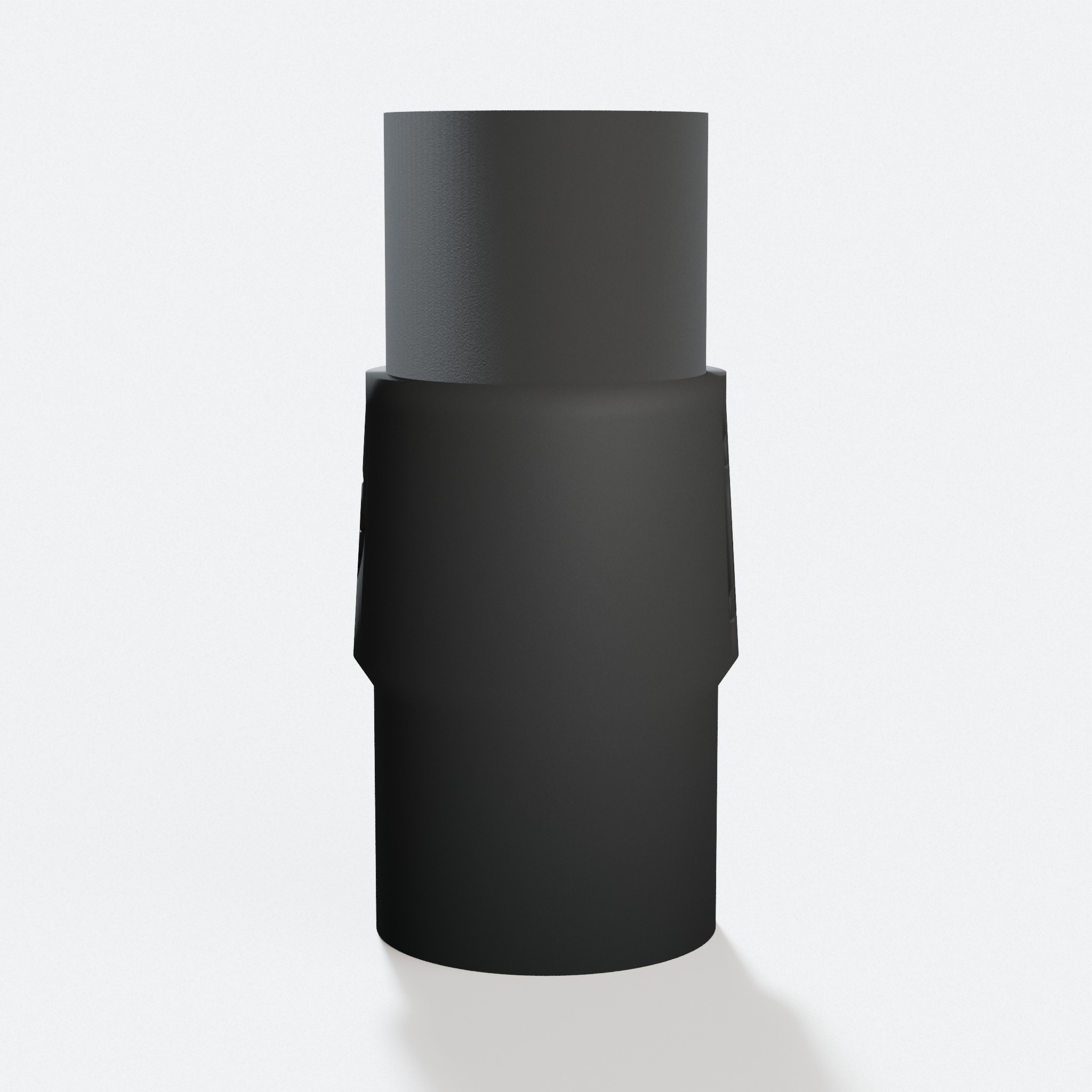
Pick what you are connecting to. Each one is a finished PETG adapter, sized for both ends, printed to order and made in the USA.
Standard hose & duct sizes
Popular vacuums & extractors
Not sure which size?
Full port and fit detail for this tool
The Makita DRT50 is an 18V LXT cordless compact router. It trims edges and cuts small grooves with no cord in the way. A cordless router still throws chips and fine dust, so a good dust hookup keeps your work clean and your line clear.
The router has a round dust port at the rear. Our adapter fits it. Our PETG adapter plugs into that port and steps it to any standard shop vac or dust extractor hose. No tape. No clamps.
Makita DRT50 Specs
| Port shape | Round |
|---|---|
| Port location | Rear |
| Connection type | Friction fit |
| Tool type | Compact router |
Makita DRT50 Dust Port: What Fits It
The DRT50 has a round dust port at the back of the router. Our adapter is printed to plug into it.
The port is too small for a 2-1/2 inch shop vac hose and too big for a tiny 27 mm hose. That size gap is why dust leaks when you tape a big hose right onto a small port.
A GulpDust adapter grips the router port on one end and your bigger vac hose on the other end. Firm push, no tape.
How to Connect a Shop Vac to the Makita DRT50
Clear any chips out of the rear port first. A clean port gives the best grip.
Push the tool end of the PETG adapter into the port. It is a friction fit, so it holds with a firm press. Then press your shop vac or dust extractor hose onto the other end.
Turn the vac on before you start the cut. Running the vac while you trim catches the dust at the source and keeps your edge line clear.
Why Cordless Routers Need Good Dust Collection
A cordless router is easy to move around, but it still spins fast and throws fine dust and chips. That dust lands right on the edge you are working.
Pulling the dust at the port keeps your line visible so your trim stays clean and even. It also keeps more fine wood dust out of the air you breathe.
For the cleanest work, run a steady vac the whole time. Any shop vac with the right adapter does the main job.
Makita DRT50 Dust Collection FAQ
What size is the dust port on the Makita DRT50?+
It is a round port at the rear of the router. Our adapter is built to plug into it. You pick the hose end you need.
Does the Makita DRT50 work with a regular shop vac?+
Yes, with an adapter. Most shop vac hoses are 1-7/8 inch or 2-1/2 inch, which is much bigger than this port. The GulpDust PETG adapter is sized to the router port on one end and to your vac hose on the other.
Do I need clamps to attach the adapter?+
No. The adapter is a friction fit. You press it into the port and it holds. The vac hose end works the same way.
Does the DRT50 share a port with the corded RT0702C?+
They sit in the same Makita router port class. Open the page for the tool you own and order the adapter shown there.
Do you sell the design file?+
No. We sell the finished part. Each one is printed to order in PETG and ships from the US.
Related Guides
Makita XGT 40V Dust Collection: Port Sizes and Best Setup
Makita XGT 40V hand tools use the same dust port as LXT 18V. Here is the complete guide for connecting them to shop vacs and dust extractors.
4 min read
Track Saw Dust Collection: DeWalt, Makita, and Festool Guide
Track saws collect dust better than any other circular saw. But the port size and adapter you need depends on the brand. Here is the complete guide.
5 min read
Milwaukee vs DeWalt vs Makita: Which Brand Has Better Dust Collection?
Port size is the main factor when comparing brands for dust collection. Here is how Milwaukee, DeWalt, and Makita stack up.
5 min read
Cordless Dust Collection: Milwaukee vs DeWalt vs Makita Vacs
All three brands make a cordless shop vac that pairs with their tool system. Here is what each one does well, and when to go cordless vs corded.
6 min read